Just-a-Minute 
Prices and Ordering
Web versions run with IE, Firefox, Opera, Chrome and Safari
Regional and Local Searches
Prices and Ordering
Desktop versions run on USB Flash Drives with Windows 7, Vista and XP
 Viridans HomeJust-a-Minute HomePicture Text and MapSpecies DistributionSearchesTutorials

Search Any Area
You use any of the maps or map tiles to search for all the species of plants or animals in any area of the state.  The simplest search procedure is to select a map and sketch the area you are interested in directly on to the image then run the database search.

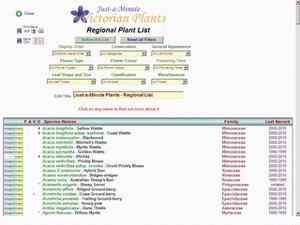
The purpose of the search is to get a complete list of all plant or animal species in the area.  After that has been achieved you may look at photographs and descriptions of each.  You may plot the state-wide distribution of any species in the list.  You may refine the list by filtering out, for example, only those species which are rare, or only orchids, or only plants which flower in January, or any other filter characteristic (for animals these may also include breeding season, major animal group or broad diet).

Any of the maps can be printed or exported as full vector graphics (in PDF format on the web-based versions and Windows Metafiles in the desktop version).

The examples below are all taken from the web version of Just-a-Minute Plants but the same results (with minor variations) can be obtained from the desktop version.

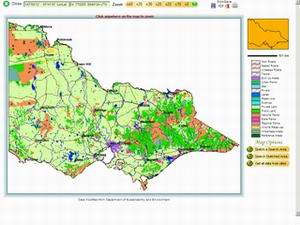
Start with State Map
Use simple point-and-click techniques to select an area on the map to show at higher resolution.
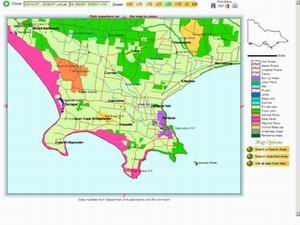
Select an Area
The area around Portland on Victoria's far south-west coast is selected and a high resolution map tile displayed.
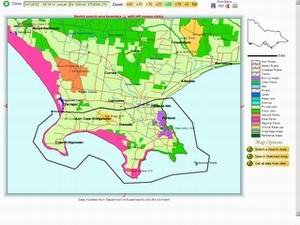
Sketch a Search Area
Use point-and-click methods to draw a boundary for the search..
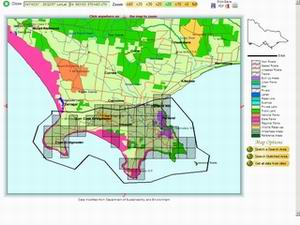
Run the Search
A single mouse click will run a search of the area.  You will notice that not all grids that fall into the search area are plotted.  This is due to areas that have yet to be surveyed at this scale.
Find all Species in the Area
Another mouse click will
summarise all the data from the search and present them in an interactive table.  From this you may display photographs, descriptions and full distribution maps of any species in the list.
Export the List
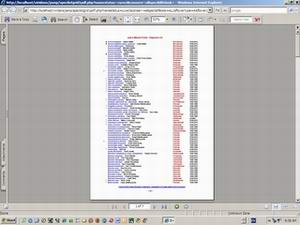
A formatted and paginated version of the list can be exported in for later use.  Before export you may refine the list using any of the many filters built in to the database.