 |
|||||||||||||||||||||||||||||||||||||||||
 Web versions run with IE, Firefox, Opera, Chrome and Safari |
Web versus Desktop |
 Desktop versions run on USB Flash Drives with Windows 7, Vista and XP |
|||||||||||||||||||||||||||||||||||||||
      |
|||||||||||||||||||||||||||||||||||||||||
|
Compare Web and Desktop Just-a-Minute A web-based package will be available to you on any computer, regardless of its operating system, provided it is connected to broadband. It will also be regularly updated and refined so that you always have the most up-to-date version. The user needs a username-password combination (which we supply) for access A desktop package, which is supplied on a USB Flash Drive, does not require any access to the Web so it is independent of broadband connections and is completely portable (can be installed on any suitable computer). The USB package will generally display photographs more rapidly than the web version (more or less instantaneous display versus 1-2 seconds on the web).
|
|||||||||||||||||||||||||||||||||||||||||
| Appearance on the Screen | |||||||||||||||||||||||||||||||||||||||||
| Web Version | Desktop Version |
 |
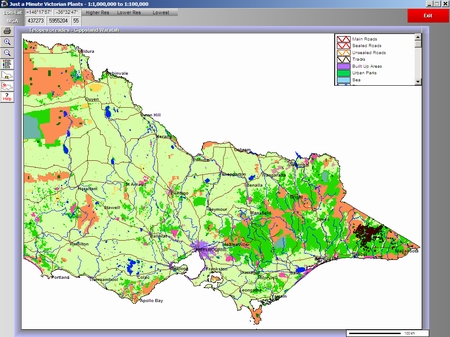 |
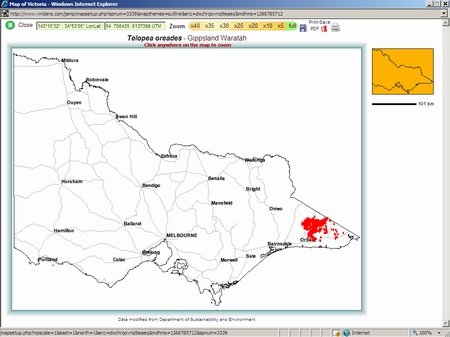
| Low resolution distribution map is blank except for major roads and town names. The display is clear and unambiguous. The map can be printed or saved as a PDF file. | Low resolution distribution map is a full-coloured land-use theme. The map can be printed or saved as a WMF file. |
 |
 |
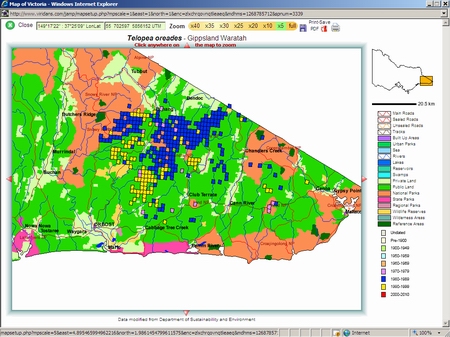
| Medium resolution map shows the grids with colour which relate to the most recent decade of the survey (yellow represents 1990-2000). The map can be printed or saved as a PDF file. | Medium resolution map shows all grids filled as solid red. The map can be printed or saved as a WMF file. |
 |
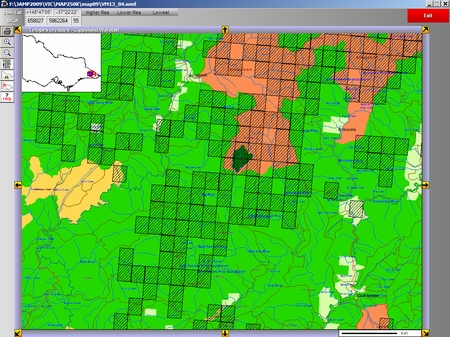 |
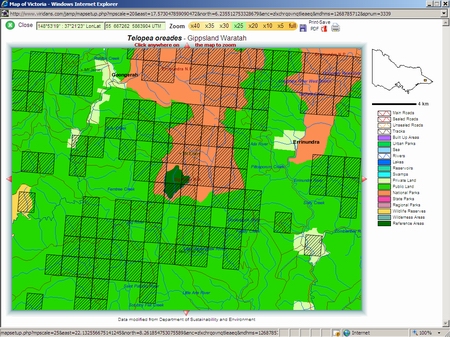
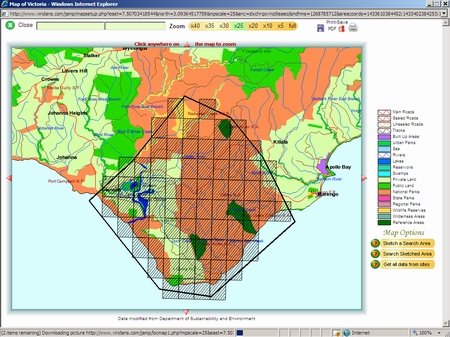
| High resolution map shows grids with hatching so that map features are visible below. The map can be printed or saved as a PDF file. | High resolution map shows grids with hatching so that map features are visible below. The map can be printed or saved as a WMF file. |
 |
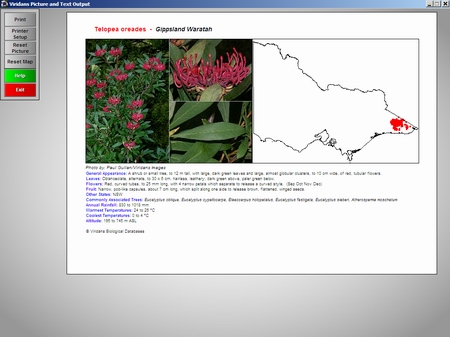 |
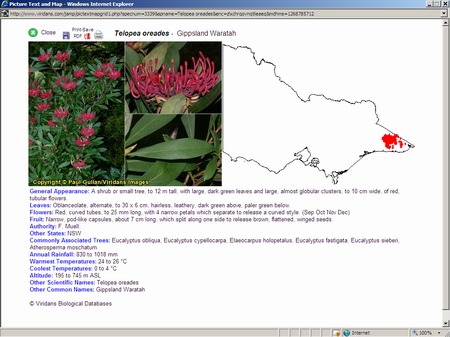
| Combined picture-text-map displays can be printed or saved as a PDF file. | Combined picture-text-map can be printed but not saved. |
 |
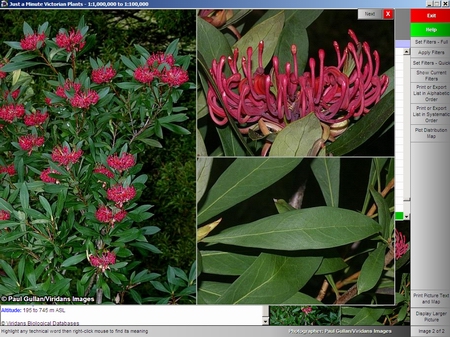 |
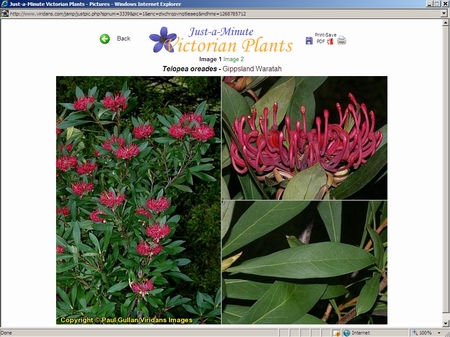
| Large format picture can be printed or saved as a PDF file. | Large format pictures can be displayed only. |
 |
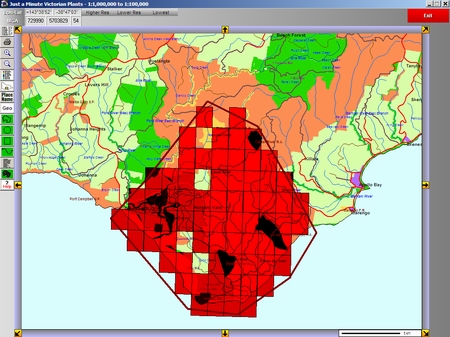 |
| An area can be sketched at any map resolution. Once the search is complete the grids are shown with hatching. The map can be printed or saved as a PDF file. | An area can be sketched at any map resolution. Once the search is complete the grids are shown as semi-transparent red rectangles. The map can be printed or saved as a WMF file. |
 |
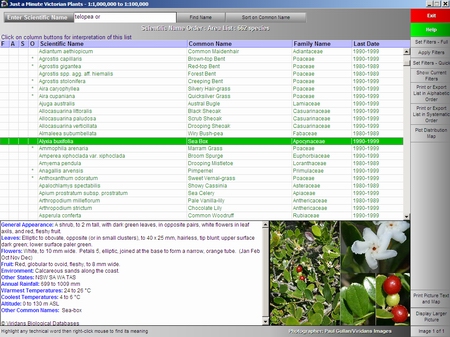 |
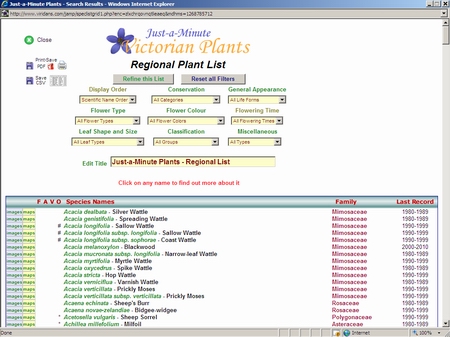
| A species list is generated from the grid search. This list can be exported as a CSV file (comma separated values - suitable for spreadsheets) or a PDF file. The list can be filtered on a range of categories which are available through drop-down lists on the web page. Pictures, distribution maps or picture-text-map combinations can be displayed with a single mouse click. | A species list is generated from the grid search. This list can be exported as a CSV file (comma separated values - suitable for spreadsheets) or a Rich Text (word processing) file. The list can be filtered on a range of categories which are available through a filter routine. Small pictures and text are displayed as each name is highlighted. Larger pictures, distribution maps or picture-text-map combinations can be displayed with a single mouse click. |