|
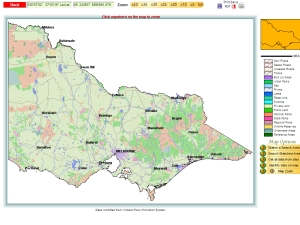
Start with State Map Use simple point-and-click techniques to select an area on the map to show at higher resolution. |
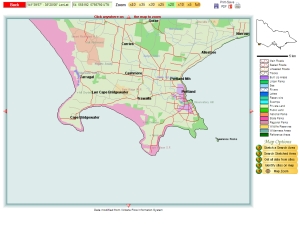
Select an Area The area around Portland on Victoria's far south-west coast is selected and a high resolution map tile displayed. |
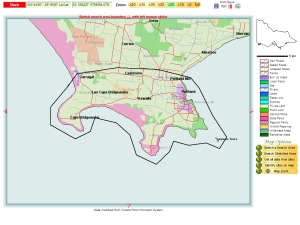
Sketch a Search Area Use point-and-click methods to draw a boundary for the search.. |
 |
 |
 |
|
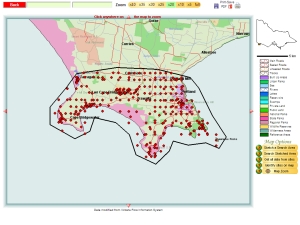
Run the Search A single mouse click will run a search of the area. You will notice occasionally sites will appear in the sea this will sometimes be a result of the data being recorded at a low resolution. |
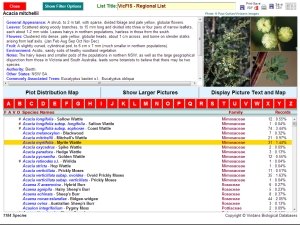
Find all Species in the Area Another mouse click will summarise all the data from the search and present them in an interactive table. From this you may display photographs, descriptions and full distribution maps of any species in the list. |
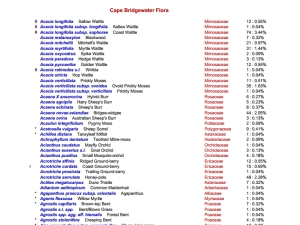
Export the List A formatted and paginated version of the list can be exported in for later use. Before export you may refine the list using any of the many filters built in to the database. |
 |
 |
 |


