|
Compare Web and Desktop Wild Things
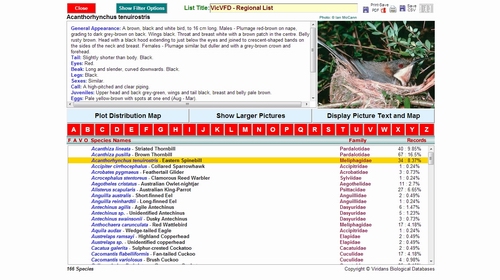
How do you decide which version of
the package is best for you? The information below is designed to
help you make that decision by comparing the basic components of the
packages. You will notice that there is a considerable overlap in
the two so really the most significant question to answer is whether you
prefer a web-based delivery or one on a workstation.
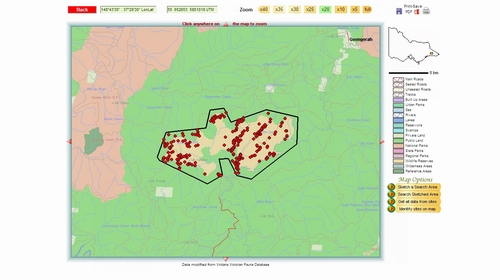
A web-based package will be available to
you on any computer, regardless of its operating system, provided it is
connected to broadband. It will also be regularly updated and
refined so that you always have the most up-to-date version. The user
needs a username-password combination (which we supply) for access.
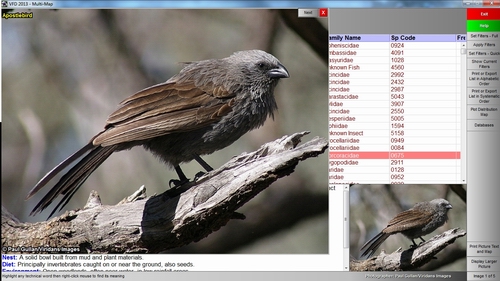
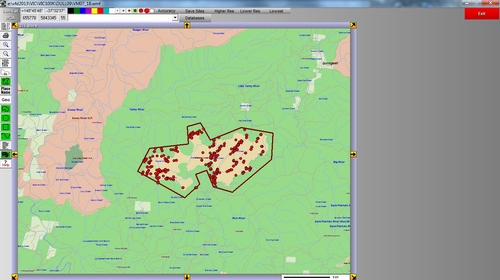
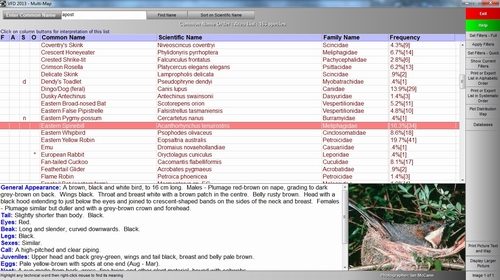
A desktop package, which is supplied on a
USB Flash Drive, does not require any
access to the Web so it is independent of broadband connections and is
completely portable (can be installed on any suitable computer).
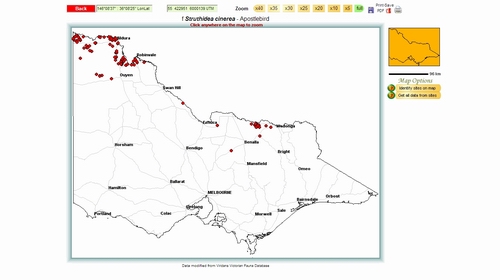
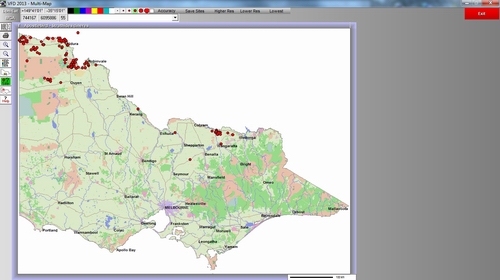
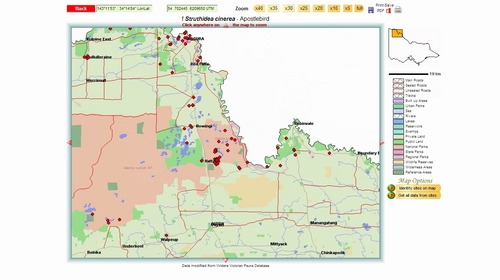
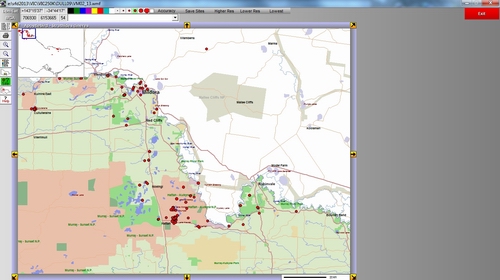
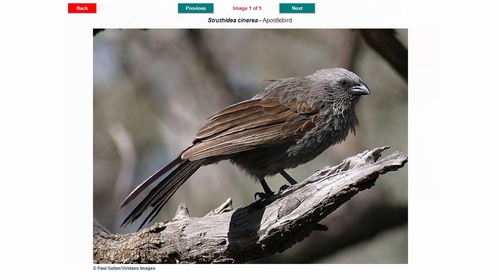
The USB package will generally
display photographs more rapidly than the web version (more
or less instantaneous display versus 1-2 seconds on the web)
and will usually draw maps more rapidly. The USB package has more
searching, filtering and analytical options, a variety of data
verification functions and better data import-export procedures.
| Feature |
Web
Version |
Desktop
Version |
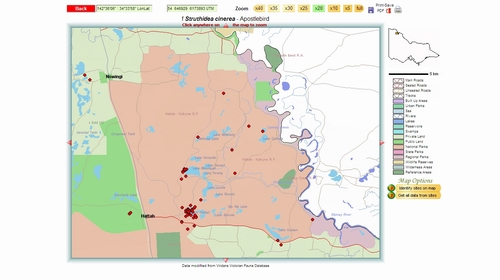
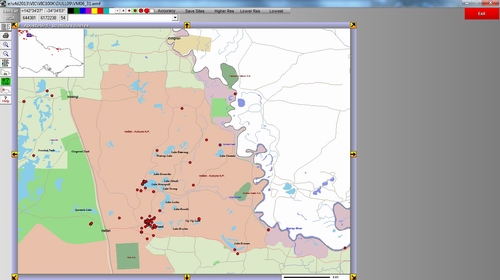
| Distribution data |
Site-specific |
Site-specific |
| Data
Entry |
Automated site ID,
data held remotely. |
Choose site ID,
data held locally. |
| Data
Editing |
Only personal data |
Any data |
| Distribution map scale |
1:1,000,000
to 1:100,000 |
1:1,000,000
to 1:100,000 |
| Search map scale |
1:1,000,000 to
1:100,000 |
1:1,000,000 to
1:100,000 |
| Map output options |
Vector maps in PDF |
Vector maps in Windows
Metafile |
| Species list output
options |
PDF and CSV |
RTF and CSV |
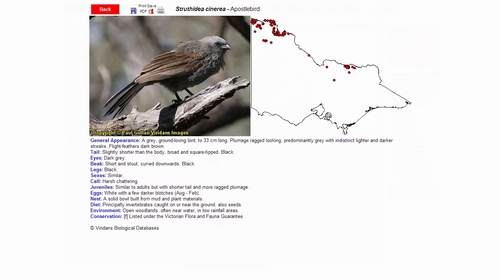
| Photograph display |
Scaled to fit screen |
Scaled
to fit screen |
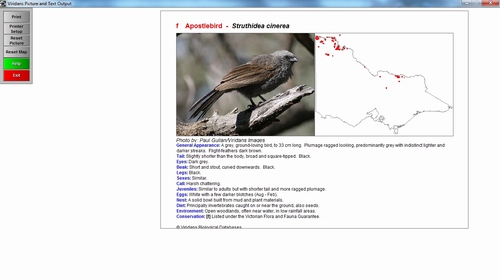
| Photograph output |
Only an option as part of the picture, text and map. |
Only an option as part of the picture, text and map. |
| Tools |
Data export, PDF email options. |
Climate profiles, similarity analysis, data inport-export, complex filtering on selected data, import of search polygons. |
| Picture, Text and Map
output |
PDF file and printer |
Printer |
| Operating environment |
Windows, Mac, Linux
with a variety of browsers. Needs broadband. |
Microsoft Windows XP,
Vista, 7, 8 |
| Access to package |
Any computer with
broadband. requires username and password for each access. |
Any computer on which
the package has been installed and which has the USB Flash Drive
attached. Package is hardware-locked to the USB device and
requires a device key to run. |
| Updates |
Continuous as
information and software become available |
1-2 years. |
| Payment |
Annual subscription |
Annual
subscription |
|